Download the dieline
Choose the shape and dimensions, then use the vector file generated by the configurator.
Print-ready files
A clear guide to preparing packaging, label and leaflet files for a result that matches your design.
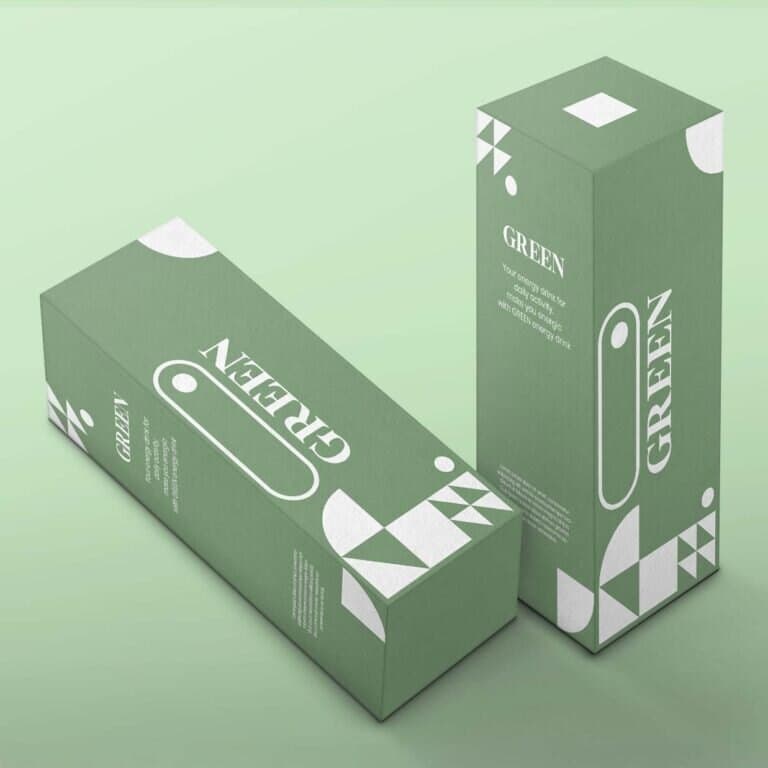
Essential checklist
Check these points before uploading. Do not resize or alter the dieline.
The right workflow
Choose the shape and dimensions, then use the vector file generated by the configurator.
Keep artwork, dieline and special finishes on separate layers.
Upload the file and check text, orientation and artwork continuity.
Before printing, we check technical quality and flag any issues.
Three products, one method
CMYK PDF, 3 mm bleed, important elements in the safe area and an unchanged dieline.
Vector artwork where possible, 300 dpi images and bleed suited to the format.
Readable copy, correct technical blacks and folds considered from the layout stage.
Frequently asked questions
Yes. We accept PDF, AI and EPS. For best results, use a high-resolution PDF with fonts and images embedded.
Our team checks the file before production and emails you if anything needs correcting.
Yes. In the 3D editor you can rotate the packaging through 360°, check the artwork and simulate assembly.
Dimensions entered in the configurator are external. Ask our team to check them if you are unsure.
Yes. Special finishes must be placed on a separate layer using the spot colours in the complete guidelines.
Free technical support
Send the artwork to our team: we check readability, resolution and settings before printing.